
.png)
Just-in-time training delivers instructional content at the exact moment an employee needs it, rather than in advance through scheduled sessions. When someone encounters an unfamiliar step in a software workflow, a just-in-time tutorial appears in context and walks them through it.
iorad builds interactive just-in-time tutorials that embed directly into products, intranets, and LMS platforms, so training is available the moment an employee needs it without requiring a support ticket or a call to a colleague. Research consistently shows that employees retain information better when they apply it immediately. This article explains how just-in-time training works and how to implement it with iorad.
One way to fight the attrition of your trainees’ learning is to provide them with two things while they are learning:
- Interactive, hands-on, just-in-time training, and
- The means to easily access the information after the training.
Luckily, to accomplish this does not require an additional hire dedicated to creating extensive courses. Especially when trying to teach users how to use an online program, you want the employee not HR to be doing the work to learn — literally.
The solution: iorad’s tutorial builder. Creating an iorad tutorial takes no more time than capturing the process in real-time, which generates the interactive, hands-on, just-in-time training tutorial and provides the means to easily access the information after the training. Need proof? Try this tutorial: How to email a Gmail group. As the learner, you have the choice of multiple interfaces: Try It, View It, Watch It, Print It, and Do It. There’s also a Quiz mode.
Multiple Interface Modes
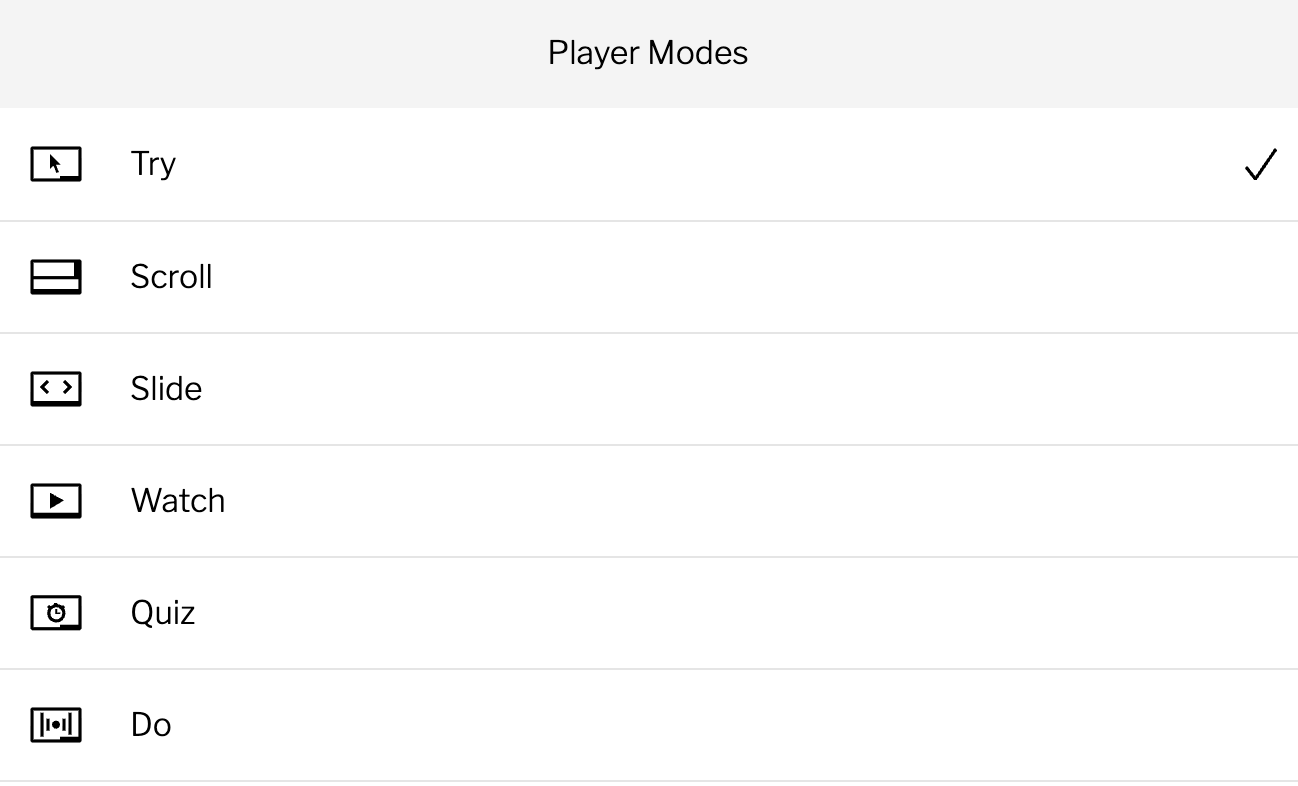
Want to see more? Download the iorad extension and have access to tutorials others have made public. Want to create more secure tutorials? iorad tutorial builder has a Help Center feature you can customize with all of the tutorials you’ve created for your employees.
Where just-in-time training outperforms scheduled training
Scheduled training works well for structured onboarding, compliance requirements, and foundational skills. But it fails in three situations: when software updates change a workflow after the original training, when an employee needs to complete a task they haven't touched in months, and when a new hire joins mid-cycle and misses the scheduled session.
Just-in-time training handles all three. The tutorial is always available, always current if updated in iorad, and always accessible at the exact moment the employee needs it. No rescheduling. No waiting for the next cohort. No searching through a recorded webinar for the relevant section.
How to build a just-in-time training library with iorad
A just-in-time training library is a collection of short, task-specific tutorials organized by the software and workflow they cover. With iorad, building this library starts with recording the workflows your team performs most often or gets stuck on most frequently.
Support tickets and manager questions are the best source for identifying which tutorials to build first. Once created, each tutorial can be embedded in the product interface using iorad's widget, added to your intranet's relevant pages, or linked from your LMS. The goal is zero friction between recognizing a need and finding the answer.