
.png)
iorad offers six tutorial modes that change how learners interact with training content, from guided walkthroughs to self-directed practice and scored assessments. Each mode serves a different training objective: watch mode for demos, try mode for practice, quiz mode for skill verification, scroll and slide mode for documentation/presentation, and do mode for in-app learning.
Choosing the right mode for the right training moment determines whether learners watch, read, practice, or are tested. This article explains each of the six iorad tutorial modes, when to use them, and how leading L&D teams combine them into a complete eLearning sequence.
Solving Learner Engagement with Interactive Training Modes
Online learning and eLearning solve many of the problems businesses, organizations, and educational institutions have to provide consistent, meaningful, and timely training. However, not everyone has the time to keep up on adult learning theory and the latest tools that support adult eLearning. Make it easy for everyone: ensure that learners are given the opportunity for interactive activities, not passive tools, from which to absorb the most information.
The acceleration in electronic learning environments due to social distancing guidelines necessitated a short learning curve for those maintaining the professional development, onboarding, and training activities for their staff. Current research* supports using interactive activities to provide worthwhile learning that your adult learners will retain.
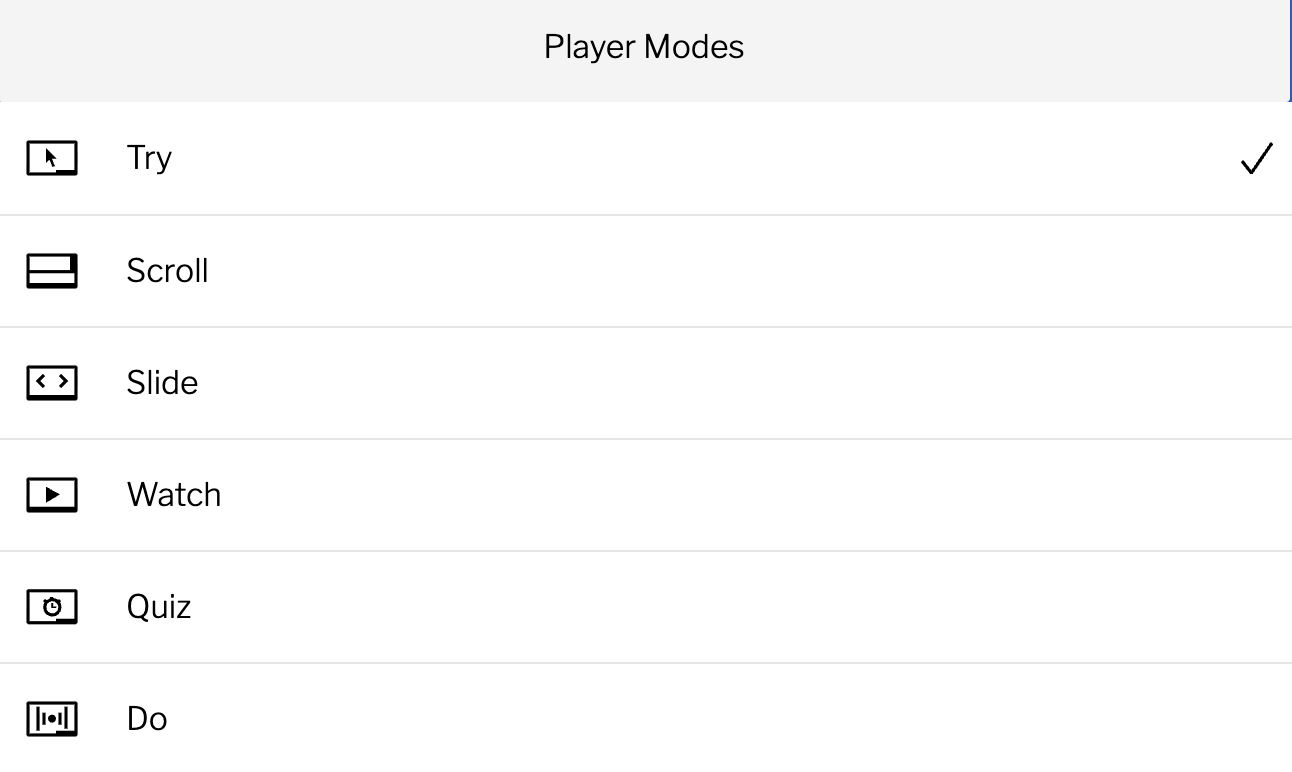
iorad the tutorial builder provides the flexibility to offer your staff training that meets your goals and suits their needs. Make one tutorial that can be used in six different modes:
Combining modes for a complete learning sequence
The most effective iorad implementations do not use a single tutorial mode. They sequence modes to match the learner's progression. A new employee encounters watch mode first, which demonstrates the workflow without requiring any action. They then move to try mode, which prompts them to complete each step in sequence. Then, quiz mode verifies that they can complete the workflow without guidance. This three-stage sequence mirrors the natural process of skill acquisition: observe, practice, verify.
Each stage takes minutes rather than hours, and the entire sequence can be embedded in an LMS course, intranet page, or onboarding program without any additional tooling beyond iorad.
#1: Try It: Interactive, hands-on mode. Users must follow the steps and visual prompts to advance the tutorial.
#2: View It: Self-paced equivalent of a slide show.
#3: Watch It: Self-advancing video format.
#4: Print It: Portrait or landscape.
#5: Do It: Live Mode! Users perform the tutorial in the actual platform environment and produce real results.
and
#6: Quiz Mode: Interactive, hands-on mode. All of the directions are there, but the user must perform the steps without the visual prompting of the Try It Mode.
Enhance your tutorials with iorad’s interactive tutorial features:
Additional Action Tool Options: Options beyond just Click, Type, Read
It’s Quiz Time: Let’s See What You’ve Learned: Practice with Try it mode then Test yourself in Quiz Mode
Create a Personalized Training Experience: Increasing Learning Retention and the Enjoyability Factor
Text Validation for Typing Tool: Validate user input before player advances
. . .
*References
Counts, Christina. “How Active Learning Improves Student Outcomes.” 21st Century Learning, School Specialty, 14 May 2020, http://blog.schoolspecialty.com/how-active-learning-improves-student-outcomes/.
Gutierrez, Karla. “eLearning Interactivity: When It Works and When It Goes Wrong.” SHIFT Disruptive Learning, SHIFT, 13 Aug. 2013, https://www.shiftelearning.com/blog/bid/312814/elearning-interactivity-when-it-works-and-when-it-goes-wrong.
Ha, Young, and Hyunjoo Im. “The Role of an Interactive Visual Learning Tool and Its Personalizability in Online Learning: Flow Experience.” Online Learning, vol. 24, no. 1, Mar. 2020, pp. 205–226. EBSCOhost, https://search.ebscohost.com/login.aspx?direct=true&db=eric&AN=EJ1249285.